5 VS Code Extensions for Better Coding & Testing Experience
- 08 Jul 2026
After working with VS Code for a while, I still couldn’t feel completely comfortable using it. Coming from years of working with IntelliJ, something always felt missing, and my workflow didn’t feel as smooth as I expected.
And after experimenting with settings, doing some exploration, also a bit of research and advice from fellow developers, I put together this top 5 list of VS Code extensions that has really been helpful to me and I would like to share with you.
For API Testing
1. REST Client
This extension allows you to send HTTP requests and view the responses directly in VS Code. You simply create a .http file and start adding your requests. A side panel opens showing all the response details, making it easy to inspect status codes, headers, and payloads without leaving the editor.
For more details, check the VS Marketplace official documentation.

Code & Formatting
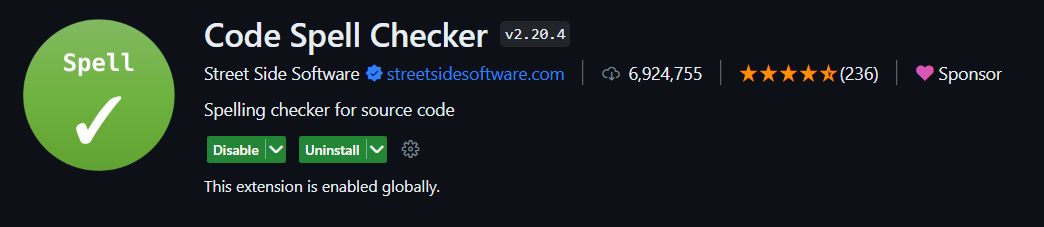
2. Code Spell Checker
With Code Spell Checker you can catch spelling errors in variable, functions and methods names, comments, and other areas where spelling errors can go unnoticed. This helps improve the readability and maintainability of your code and is particularly useful for developers who are not native English speakers.
It supports many programming languages and is highly customizable. You can even add custom dictionaries and ignore specific words or code blocks. For more details, check the VS Marketplace official documentation.
3. Prettier
This is a really good code formatter that helps keep your code clean and consistent. It supports many programming languages and can be customized to suit your team’s or personal preferences.
It’s definitely worth a try, as it makes code much easier to read and removes the need to argue about formatting rules. Check the Official Prettier Documentation

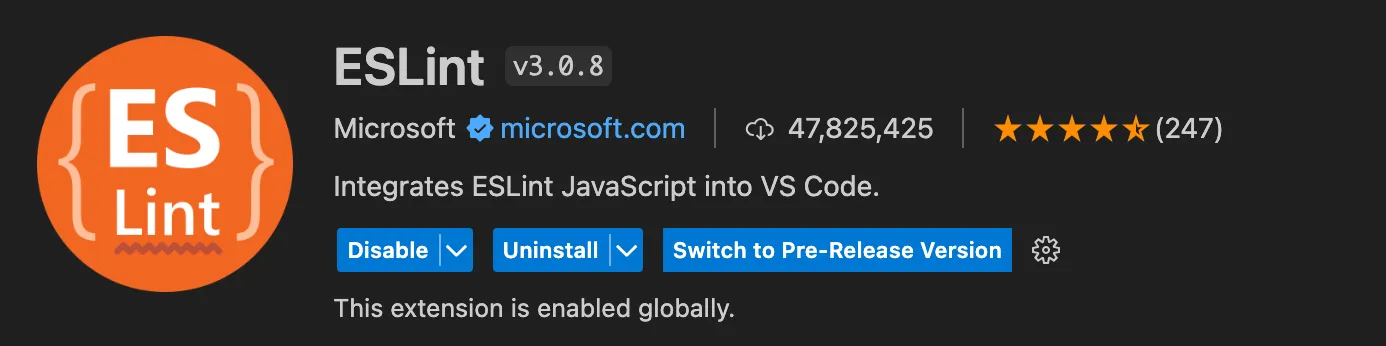
4. ESLint
ESLint analyzes your code to quickly find problems. It’s a JavaScript linter that helps catch errors early and enforce coding standards across your codebase. It can be especially useful in team environments, where keeping code quality is key.
For more details, check the VS Marketplace official documentation.
5. ErrorLens
Similar to SonarLint, ErrorLens highlights errors and warnings directly in your code in a very visual way. For more details, check the VS Marketplace official docs.

DEV BONUS Recommendations
DotENV
Adds support for .env file syntax, making environment variables easier to read and manage inside VS Code.

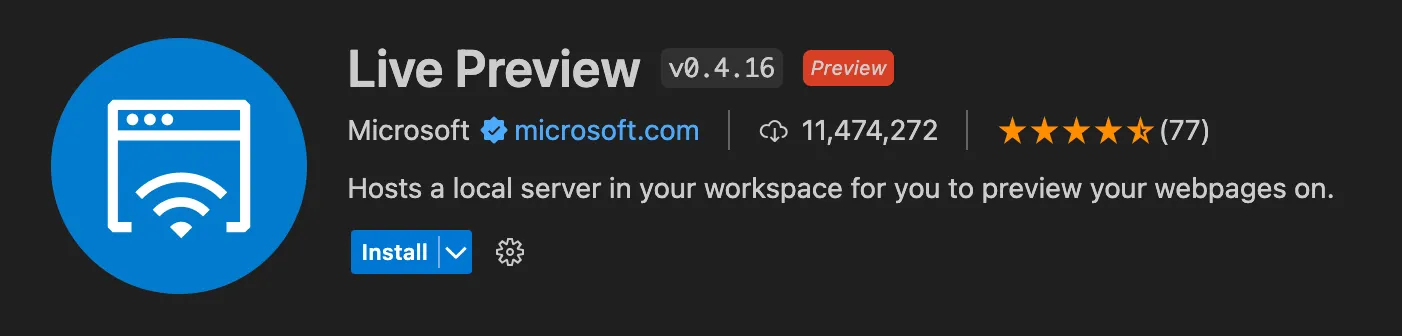
Live Preview
Local development server with live reload feature for static & dynamic pages. It hosts a local server in your workspace for you to preview your webpages on. For more details, check the VS Marketplace official docs.
Tailwind CSS IntelliSense
Tailwind CSS IntelliSense enhances the Tailwind development experience by providing autocomplete, syntax highlighting, and linting directly in VS Code. For more details, check the VS Marketplace official documentation.

QA BONUS Recommendations
Playwright
This extension integrates Playwright directly into your VS Code workflow, making it easier to write, run, and debug end-to-end tests. For more details, check the VS Marketplace official documentation.
If you know somebody who could benefit from this setup, feel free to share it. Thank you for reading!