How to Fix data types don't match (LIST:MAP) Error in Karate DSL
- 30 Apr 2026
If you happen to run into the "data types don't match (LIST:MAP)" error while validating schemas in Karate DSL, this post is for you.
We'll break down why this occurs and how to fix it in seconds.
The Problem: Why Is My Test Failing?
Imagine you have an endpoint that returns a list of objects, such as the following JSON:
[
  {
    "id": 123,
    "name": "some name",
    "date_from": "2026-04-12"
  }
]
And you define your validation schema like this:
* def expectedSchema = { id: '#number', name: '#string', date_from: '#string' }
And match response == expectedSchema
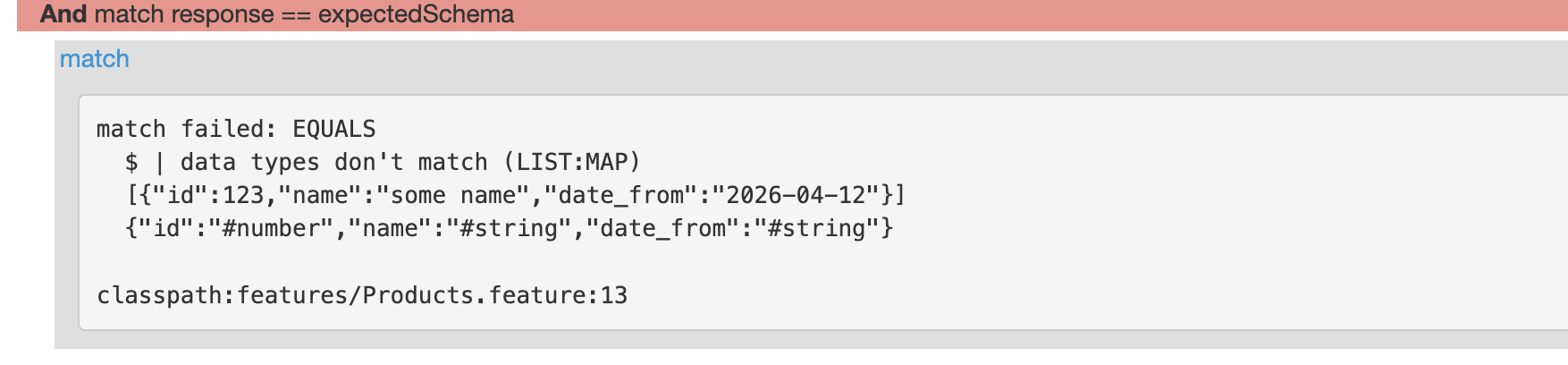
When executed, Karate will throw the following error: match failed: EQUALS $ | data types don't match (LIST:MAP)
The Root Cause
The error is very literal once you understand Karate’s terminology:
- LIST: This is the array returned by your API (identified by the square brackets []).
- MAP: This is the single object you defined in your
expectedSchemavariable (identified by the curly braces{}).
Karate is trying to compare a collection of objects against a single object template, and logically, the structural types do not align.
The Solution: 3 Ways to Fix It
1. Using the each Keyword (Recommended ONLY for small lists)
This is the most readable approach. You are telling Karate to apply the schema validation to every individual element within the array.
And match each response == expectedSchema
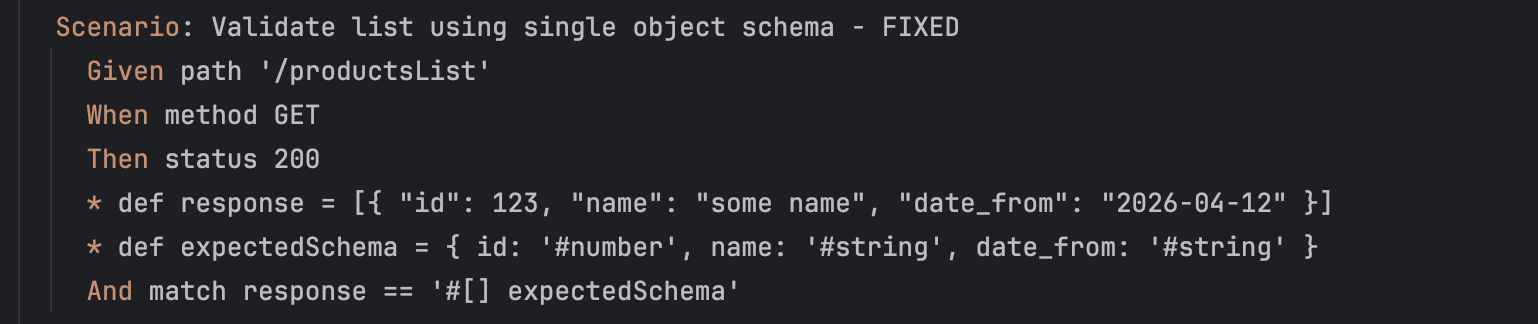
2. Defining the Schema as an Array (#[])
If you prefer to validate that the entire response is an array containing that specific object type in a single line:
And match response == '#[] expectedSchema'
3. Validation by Index
If you are dealing with responses containing thousands of records and want to avoid the performance overhead of iterating through every single one, you can validate just the first element:
# Fast and reliable for large datasets
And match response[0] == expectedSchema
Wrap Up
The LIST:MAP error is just Karate’s way of saying: "You gave me a bucket of items, but told me to look for a single one."
Pick the approach that fits you better:
- Small list? Use
match eachor#[]. - Huge list? Stick to
response[0]to keep your CI/CD pipeline moving fast.
Happy testing!