GraphQL Key Components Explained
- 01 Apr 2026
If you’re new to GraphQL, check out our previous post GraphQL Essentials: What It Is, How It Works & When to Use It where we talked about the fundamentals of GraphQL.
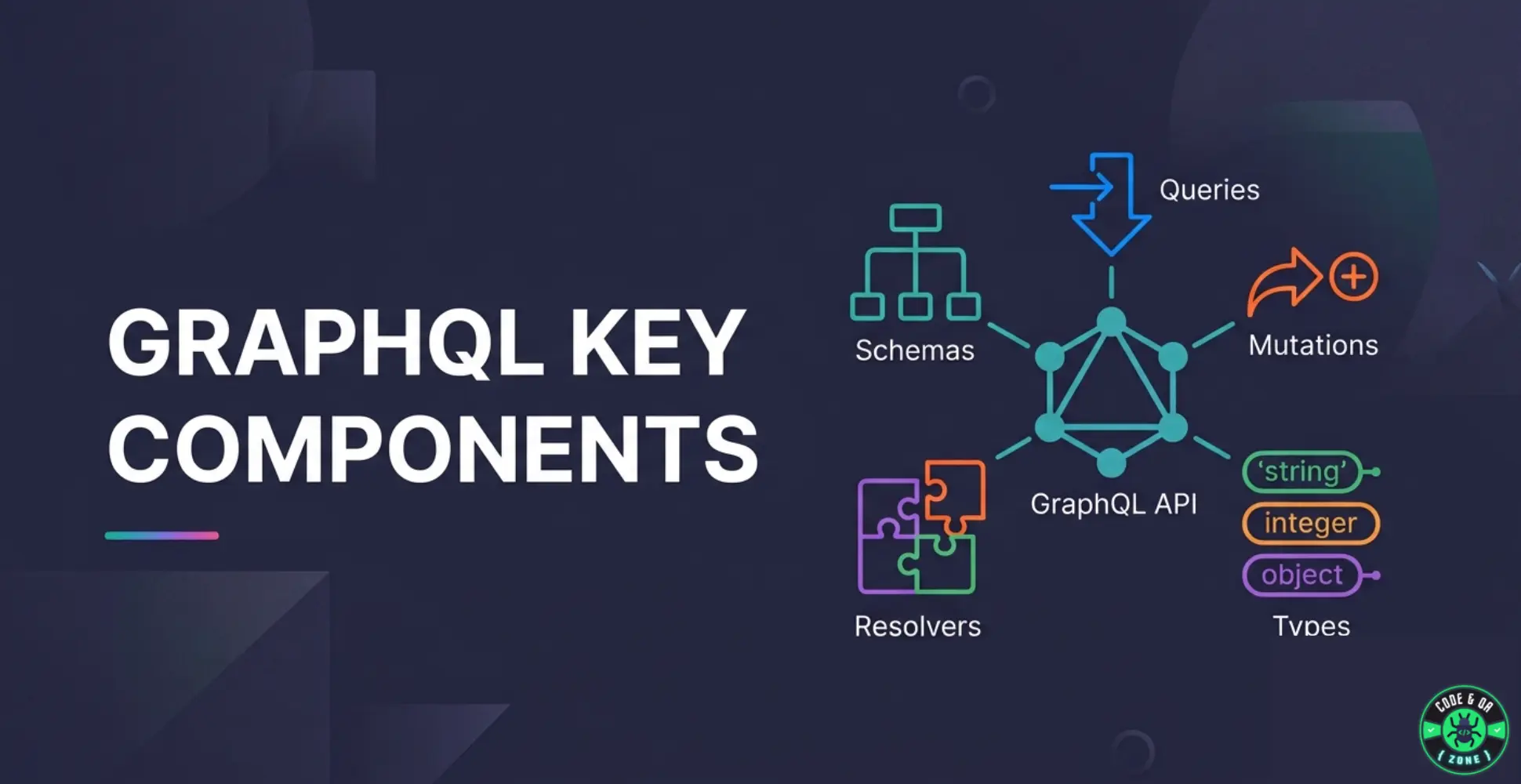
Now, in this post, we'll break down the core components that make a GraphQL API work, and see how they fit together using a simple example.
The explanation will be simple and practical, using one example throughout so you can see how all the pieces connect.
The Example We'll Use
We'll build a simple Book API where clients can:
- fetch books
- create books
- update books
- delete books
Each concept will build on this example so you can see how a complete GraphQL API fits together.
What Are the Key Components of GraphQL?
Most GraphQL APIs are built around these core components:
- Schema
- Types
- Fields
- Arguments
- Queries
- Mutations
- Input Types
Before diving into each one, it helps to understand the overall mental model of how GraphQL works. At a high level, a GraphQL API works like this:
Client
  │
  ▼
Query / Mutation
  │
  ▼
GraphQL Schema
  │
  ▼
Server Logic
  │
  ▼
Database / APIs
The schema defines what is possible, while the server handles how the data is retrieved or modified.
Once you understand the schema and the available operations, the rest of GraphQL becomes much easier to reason about.
1. Schema: The API Contract
The schema defines the structure of a GraphQL API.
It describes:
- what data exists
- how data relates
- what operations clients can perform
Schemas are written using Schema Definition Language (SDL).
type Book {
  id: ID!
  title: String!
  author: String!
}
The ! symbol means the field cannot be null.
Think of the schema as the contract between client and server.
Clients know what they can request, and the server guarantees the shape of the response.
2. Types: Defining Your Data Structure
Types describe how data is structured in a GraphQL schema.
Scalar Types (basic values)
GraphQL includes several built-in scalar types:
IDStringIntFloatBoolean
These represent single primitive values.
Object Types (structured data)
Object types combine multiple fields into structured data.
type Book {
  id: ID!
  title: String!
  author: String!
}
Here, Book is an object type composed of three fields.
This type can then be reused in queries, mutations, and responses.
3. Fields: Selecting Data
Fields are the individual pieces of data inside a type.
When a client sends a query, it must specify which fields it wants returned.
Example query:
query {
  book(id: "1") {
    title
    author
  }
}
Here the client only requests:
titleauthor
Even though the Book type also includes id.
This is one of GraphQL's biggest advantages: Clients receive exactly the data they request, nothing more, nothing less.
4. Arguments: Passing Inputs
Arguments allow clients to pass parameters to queries or mutations.
Example:
book(id: "1")
The id argument tells the server which book to retrieve.
Arguments are defined in the schema and used by clients when making requests.
In REST APIs, you can think of them as similar to:
- query parameters
- path parameters
- request body data
5. Queries: Fetching Data
A Query is used to read data from the API.
Queries are defined in the schema using the Query type.
Schema Definition
type Query {
  books: [Book!]!
  book(id: ID!): Book
}
This defines two available queries:
books→ returns a list of booksbook(id)→ returns a single book
Example Query
query {
  book(id: "1") {
    title
    author
  }
}
Example Response
{
  "data": {
    "book": {
      "title": "GraphQL Basics",
      "author": "Jane Doe"
    }
  }
}
note
The response structure mirrors the query structure.
This predictability makes GraphQL easy to consume and test.
6. Mutations: Modifying Data
While queries read data, mutations modify data.
They are typically used to:
- create data
- update data
- delete data
Mutations are defined using the Mutation type.
Schema Definition
type Mutation {
  createBook(title: String!, author: String!): Book
  updateBook(id: ID!, title: String, author: String): Book
  deleteBook(id: ID!): Boolean
}
This defines three operations:
- create a book
- update a book
- delete a book
Example Mutation
mutation {
  createBook(title: "Learning GraphQL", author: "Alex") {
    id
    title
  }
}
The mutation creates a book and the client selects which fields it wants returned.
7. Input Types: Structuring Mutation Data
When mutations require multiple inputs, GraphQL often uses Input Types to group related data together.
Instead of passing many arguments individually, we define a structured input object.
Input Type Definition
input BookInput {
  title: String!
  author: String!
}
Now we can update the mutation schema.
Updated Mutation Schema
type Mutation {
  createBook(input: BookInput!): Book
}
Example Mutation
mutation {
  createBook(input: { title: "Learning GraphQL", author: "Alex" }) {
    id
    title
  }
}
Input types make schemas cleaner and easier to maintain, especially when objects have many fields.
You can think of them as similar to request body objects in REST APIs.
8. Single Endpoint
Unlike REST APIs, GraphQL APIs usually expose a single endpoint, typically:
/graphql
All operations go through this endpoint:
- queries
- mutations
REST vs GraphQL Example
REST APIs typically expose multiple endpoints:
GET /books
GET /books/:id
POST /books
PUT /books/:id
DELETE /books/:id
With GraphQL, the client interacts with one endpoint and specifies exactly what it wants using queries or mutations.
This approach gives clients more flexibility while reducing the number of endpoints the server needs to maintain.
9. JSON Responses
GraphQL responses are returned in JSON format.
The structure of the response matches the shape of the query, making results predictable and easy to work with.
Example response:
{
  "data": {
    "book": {
      "title": "GraphQL Basics",
      "author": "Jane Doe"
    }
  }
}
Putting It All Together
Here’s the complete schema for our Book API.
type Book {
  id: ID!
  title: String!
  author: String!
}

type Query {
  books: [Book!]!
  book(id: ID!): Book
}

type Mutation {
  createBook(title: String!, author: String!): Book
  updateBook(id: ID!, title: String, author: String): Book
  deleteBook(id: ID!): Boolean
}
Each component plays a specific role:
| Component | Purpose |
|---|---|
| Schema | Defines the API contract |
| Types | Describe the data structure |
| Fields | Allow clients to select data |
| Arguments | Provide input parameters |
| Queries | Read data |
| Mutations | Modify data |
| Input Types | Structure complex inputs |
Together, these pieces form the foundation of every GraphQL API.
What We Didn’t Cover
To keep this guide focused on the core concepts, we didn’t dive into some more advanced topics such as:
- resolvers
- subscriptions
- query execution
You can explore these topics in the Official GraphQL Documentation
Key Takeaways
If you remember just a few things about GraphQL, remember these:
- A schema defines the structure of the API.
- Types describe the shape of your data.
- Queries read data from the API.
- Mutations modify data.
- Input types help structure complex inputs.
- GraphQL APIs typically use a single endpoint.
- Responses always match the structure of the query.
These principles form the foundation of every GraphQL API.